Buyers Guide
Battlefield Cheats Buyers Guide
Buying battlefield 6 cheats is noisy. Every storefront promises “undetected,” instant delivery, and god mode. This buyers guide slows you down with a practical checklist so you spend money on maintenance and clarity — not banners.
Official game guides & resources
We link to trusted third-party sources so you can verify patch notes, player stats, and map info outside our site.
- Battlefield 6 on Steam Official store page, system requirements, and player reviews.
- Steam patch notes & news Read official update posts before you change your loadout.
- Official Battlefield 6 website Game overview from EA / Battlefield Studios.
- Battlefield 6 Wiki (Fandom) Maps, classes, weapons, and multiplayer modes.
- Steam Community hub Announcements and community discussions.
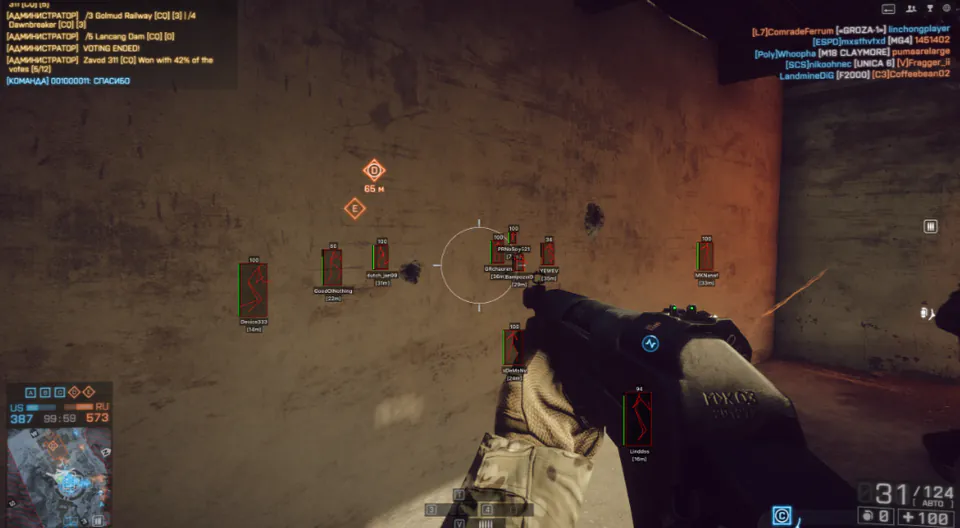
Start with status, not screenshots
Ask whether the seller publishes a dated status page after EA AntiCheat or client patches. Fancy galleries do not help if the tool is offline for three days. Battlefield Cheats posts rebuild notes on Updates for that reason.
If a shop only answers in private Discord and never writes public notes, assume you will miss patch windows.
Feature checklist that matches real Battlefield matches
For Battlefield 6, useful features usually mean player ESP with distance, loot filters, sector awareness, radar for flanks, and soft aim you can tone down. “Unlock all” marketing and other-game leftovers are red flags that the page was cloned from another game.
Compare the stack on Features, ESP, and Aimbot. If radar matters to how you hold sectors, confirm it exists before checkout.
Price, delivery, and support questions worth asking
Know whether you are paying monthly or lifetime, how the license arrives, and how fast support replies with an order ID. Read the refund policy before you pay — digital tools often have narrow windows.
Our plans live on Pricing. Setup steps are on Setup. If something fails after a patch, Support needs your order details, Windows version, and what you already tried.
Final checklist before checkout
Confirm dated status, supply ESP, radar, soft aim profiles, Windows support, and a written refund policy. If any item is missing, pause — cheap weekly subs add up when rebuilds are slow.
When the checklist passes, open Battlefield Cheats, compare Pricing, and read the 2026 complete guide for feature context.